Fortivia Security Cam
Turn a compatible phone into a camera. Watch from Fortivia Viewer, talk through the camera, and review motion activity from your everyday phone.
Explore Fortivia Cam →Fortivia apps
Give a spare phone a useful new role, bring home cameras together on Windows, record your drives, and keep important photos and videos organized.
Turn a compatible phone into a camera. Watch from Fortivia Viewer, talk through the camera, and review motion activity from your everyday phone.
Explore Fortivia Cam →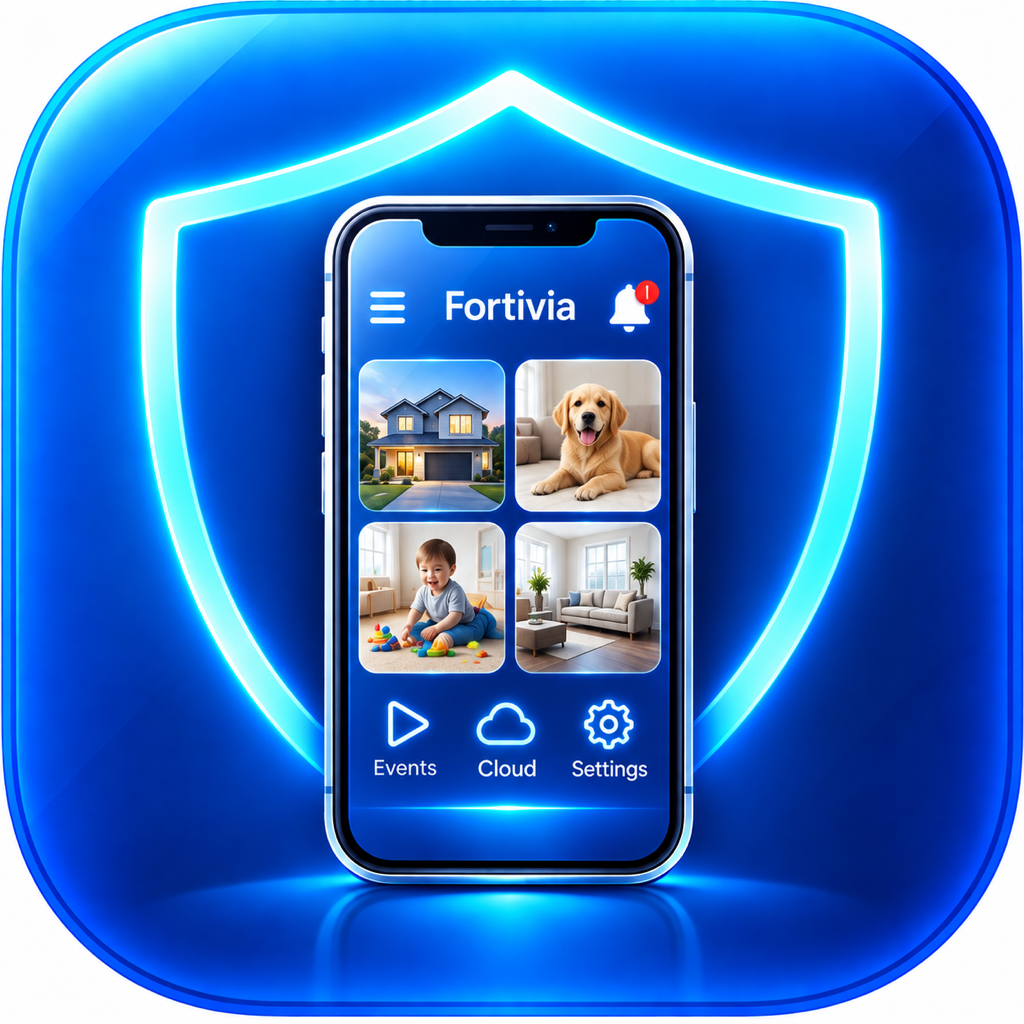
Watch Fortivia Cam from your everyday phone, review motion events, and connect to compatible ONVIF cameras on your local network.
Explore Fortivia Viewer →
Open a live view in a browser, use Fortivia Viewer through local ONVIF, or connect a compatible stream in VLC. Record and manage footage on the camera phone.
Explore Fortivia IPCam →
Turn a compatible smartphone into a dash camera. Record driving clips, choose storage settings, use supported Parking Mode, and review or share footage.
Explore DrivioCam →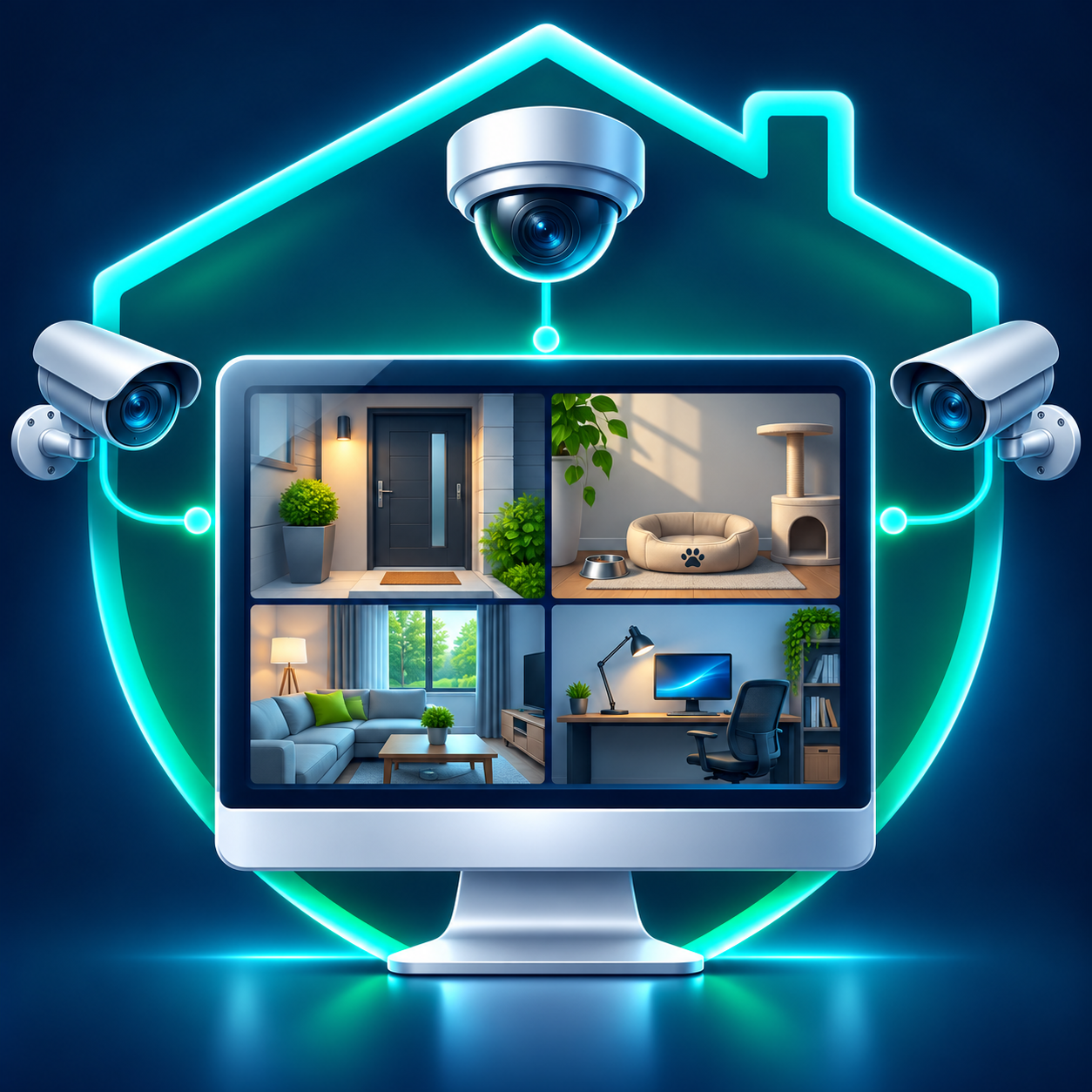
Bring compatible home-network cameras together on Windows. Discover ONVIF devices, watch multiple live views, and record locally with separately installed FFmpeg.
Free Windows 11 x64 preview
Explore Fortivia ONVIF Manager →
Organize the most important photos and videos into folders, protect from unauthorized access, share selected moments, and export password-encrypted backups to a destination you choose, such as MS OneDrive or Google Drive.
Explore PicWallet →Use the private viewing link generated by the camera. Hosted remote access checks eligibility.
Add a reachable compatible local ONVIF source, including supported IPCam builds.
Open an actual compatible stream URL on a reachable trusted network.
Available controls depend on the client and connection. Browser links, ONVIF connections, and direct stream URLs are different workflows.
Explore the product pages or contact Fortivia for help choosing.